
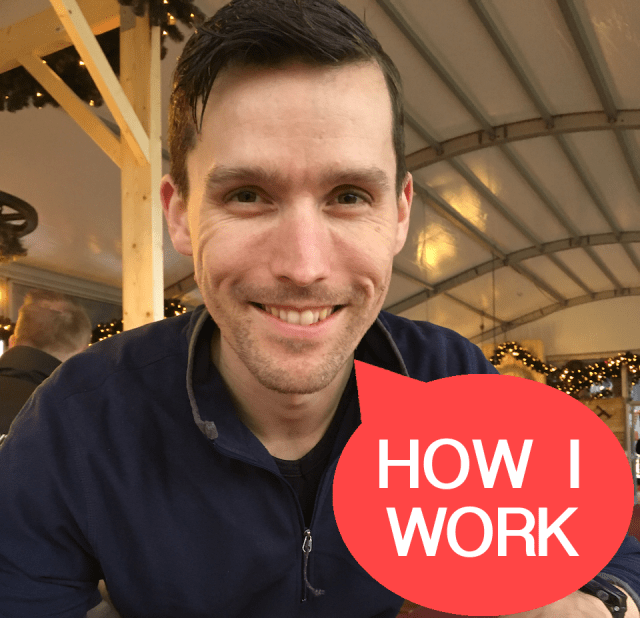
My jobs description says Software Architect. I’m guiding my team through the technical hurdles and do some programming/testing/analysing myself. We follow the scrum guide and are working towards continuous integration and deployment. We do this in small steps. Every sprint we complete means the retrospective is done in the pub.
I expect the best and I give the best. Here’s the beer. Here’s the entertainment. Now have fun. That’s an order!
RasczakLocation: Sittard, NL
Current Gig: Devops Teamlead, CBS
Word that best describes how you work: Teamwork
Current mobile device: iPhone se
Current computer: MacBook 15 inch
What apps/software/tools can’t you live without? Why?
Wunderlist: work tasks, chores, groceries, planning, every task is there. I’m aware of the acquisition by Microsoft and the planned end-of-life.
Evernote: I’m a fan for years now.
Parallels 11: Running Windows on my MacBook is a must. And of course visual studio, team foundation server, build, release manager, sql server management studio, remote desktop, powershell, and some other tools I need for work.
Alfred: keyboard shortcuts for everything. I bought the powerpack and advise you to do the same. Still on v2 though.
What’s your workspace setup like?
Work at the office is on a thin client with 24 inch screen and (wired) mouse and keyboard. The desk and chair comply with all regulations. We have a great coffee machine.

My home workspace is still my Macbook 15 inch. I’ve a new setup with logitech keyboard and mouse (MX800) and Benq 24 inch monitor (BL2420PT). Nothing fancy but the extra screen space is very welcome.
What’s your best time-saving shortcut/life hack?
Timebox. Start on a task and spent the time you’ve got to get the best result. Get someone to look at it, get feedback. Then decide if the result is final or to spent some more time.
Besides your phone and computer, what gadget can’t you live without and why?
I replaced my Magellan Echo with the Garmin FR235. It has smart watch features and a optical heart rate monitor. My phone is on mute since the Garmin notifies me of everything.
My Apple Airpods. Easy to use, small and good sound. Never leave the house without them.
What everyday thing are you better at than everyone else? What’s your secret?
Learning new things. My current project lets me implement new things (joy) Also I try to learn the things I know to my team or anyone who listens.
I have a basic understanding of how things work and try to map new things on there. For the details I have a Pluralsight subscription and black belt google skills.
What do you listen to while you work?
My alarm clock plays classical music to wake me up in the morning. The car stereo plays about everything (grunge, rock, kids stories) driving to work. When I need some focus I play drum and bass on my headphones. My ringtone is still Run riot by Camo & Krooked, although it is muted since I got the Garmin.
What are you currently reading?
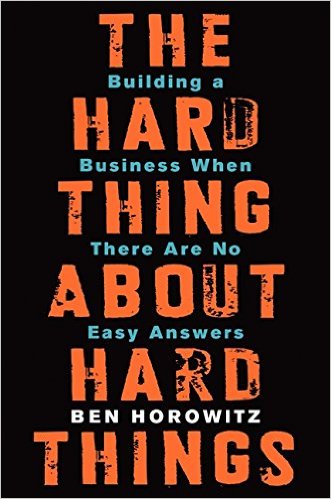
The Hard Thing About Hard Things. It gives an insight into the problems a CEO has and how to overcome these. I enjoyed reading it on my last vacation and plan to read it again after I finish it.
How do you recharge? What do you do when you want to forget about work?
Spending quality time with my wife and daughters. Phone on silent, no screens, no work. Mostly piggyback riding and tea parties
Also sports like running, fitness, climbing and snowboarding to keep me fit and healthy.
Fill in the blank: I’d love to see _________ answer these same questions.
DC Rainmaker (Ray) has been on my reading list for years. His reviews about sport gadgets is amazing. If you don’t know who this is I urge you to click the link. For the rest; you know why.
What’s the best advice you’ve ever received?

I believe this is a variant on a Hemingway quote.
Is there anything else you’d like to add that might be interesting to readers?
Learn Powershell. There is so much possible with Powershell. If you can learn one thing this year pick Powershell.
Original idea from Lifehacker.com.
 Our standard for script installation (and checking) of software is Desired State Configuration.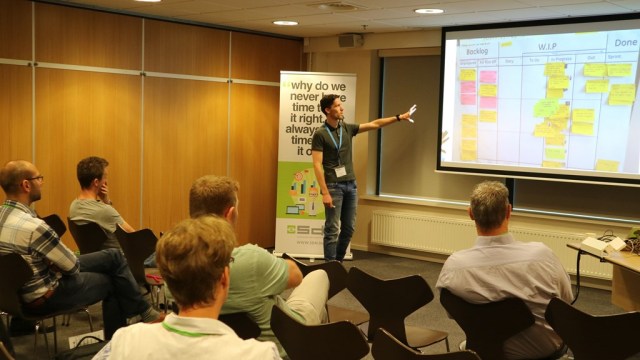




 .NET Development by Eric