Streaming azure

In the local development fabric streaming messages works. But in Azure I experience many the problems. The reply message was “the HTTP request includes a non-supported header” and the resultcode was 400 – bad request.
I noticed that a small test on port 85 did work in Azure. The difference in portnumber I noticed after a while and was totally unexpected. Looks like there is an ISA server on port 80 that doesn’t allows streaming. Port 85 looks clear of these kind of checks.
Below some screenshots of fiddler (must have) of the blocked port 80 and successfull port 85 session
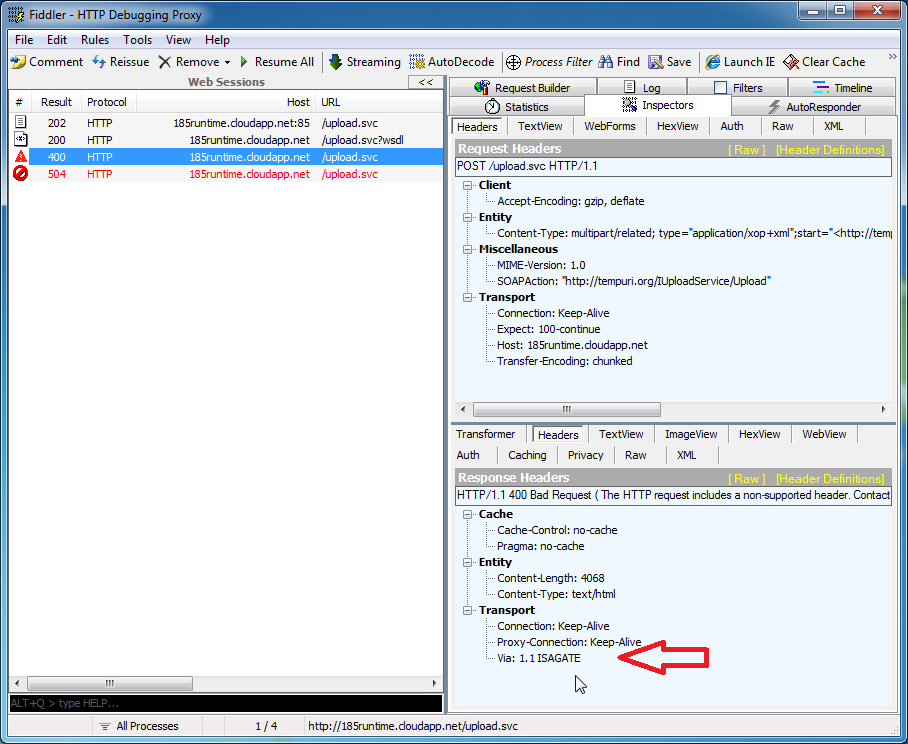
Port 80 gets blocked by ISA
Port 85 works
Edit: after consulting a colleague I used my phone to connect to the service (tether) and discovered that works without a problem. The ISA server must be in my company network. Using wireshark for capturing the traffic confirmed my companies ISA tampered with the headers so no streaming over port 80 was possible. Sorry Microsoft, my bad. But what header can be so bad that streaming stops working ….
Test application and uploadservice sources can be downloaded from here so you can test your (companies) network too.
Posted in Development | Tagged , , , , , | Leave a comment

Streaming Development Factory

I’m working on a deployment solution for my project. I want to upload files to a WCF service. This can be achieved with a streaming binding. On the internet there are many examples and I used some to get to this result:

  <system.serviceModel>
    <services>
      <service name = "Runtime.Setup.ServiceContract.SetupService">
        <endpoint
          binding                = "basicHttpBinding"
          bindingConfiguration   = "streamingHttpBinding"
          contract               = "Runtime.Deploy.IServiceContract.IDeployService" />
      </service>
    </services>
    <bindings>
      <basicHttpBinding>
        <binding
          name                   = "streamingHttpBinding"
          transferMode           = "Streamed"
          maxBufferSize          = "65536"
          maxReceivedMessageSize = "67108864" >
          <security mode = "None">
            <transport clientCredentialType = "None"/>
          </security>
        </binding>
      </basicHttpBinding>
    </bindings>
  </system.serviceModel>
  <system.web>
    <httpRuntime  maxRequestLength = "67108864"/>
  </system.web>

The problem is I’m using the Development Fabric in Azure SDK v1.2 and that doesn’t support streaming over HTTP. The development IIS of Visual Studio is used out-of-the-box. I’m trying to make it use my IIS 7.
update: there was an error in my configuration which prevented the creation of a streaming endpoint. After correcting this the uploading of files to my WCF service works in the Development Fabric.

Posted in Development | Leave a comment

Cloud Storage Studio #2

In my previous post about Cloud Storage Studio I briefly touched the storage features.

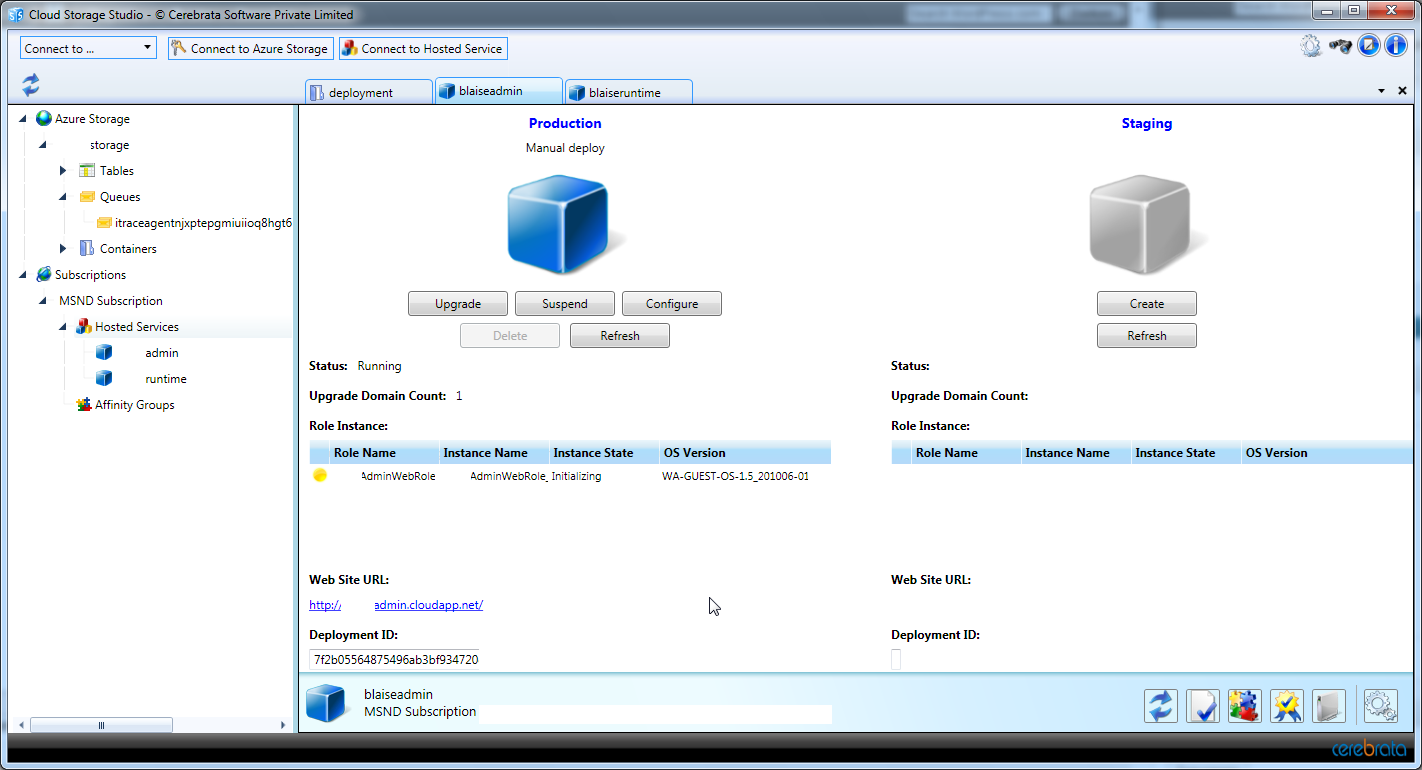
It enables you to manage the cloud services too. After registrating a service account I loaded the certificate from the storage. Loading from the filesystem didn’t work for me. Now I can upload packages, which goes in batches for better performance. The speed difference with VS2010 is noticable. An extra option allows you to start the service as soon as it is uploaded.

Posted in Tooling | 1 Comment

Azure fine print

Compute time of Azure is changed by the hour, but notice the fine print:

  • Deploy at 10:50 and delete at 11:10 will be charged as two hourd.
  • Again deploy at 11:40 and 12:10 delete will add another two hours to the bill, because the second deploy goes to ‘another’ instance/server which is registered two hours for you too.
  • Two webroles in a service means two hours.

Eventually I had to pay 25 hour compute within 8 hours of work.

Posted in Development | Leave a comment

Pay up

Today I recieved an e-mail of Microsoft with a link to my Windows Azure bill. Strange, I tought I had 250 hours of free compute.
After much clicking (well hidden rates) I only seem to be entitled to 25 hours of free compute each month. The bill added up to 77 hours already and the amount was 5.50 euro. Luckilly for me I stopped the services and removed them before the weekend.

ps. my rates were attached to my sign-up e-mail

Posted in Development | Leave a comment
